
NinjaTrader
Setup
NinjaTrader 8 is the trading platform the trading bot Bobby runs in. Free to download.
Affiliate link: we may earn a commission if you download NinjaTrader through our links. NinjaTrader is free to download either way.
Built for
NinjaTrader 8
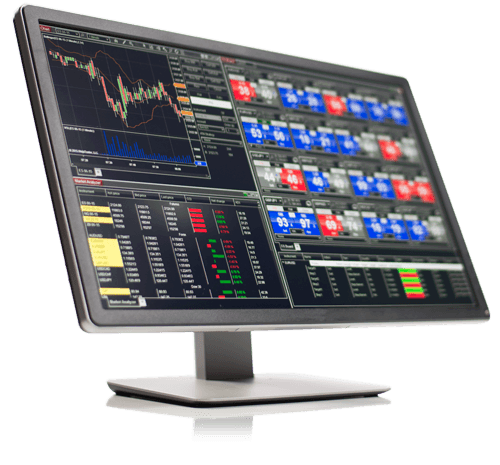
NinjaTrader 8 is a platform you run on your Windows PC to trade, track and run Bobby.
What NinjaTrader is, and what you get for free
We build Bobby for NinjaTrader 8 and nothing else. He runs inside the platform on your machine: NinjaTrader holds the connection to your prop firm, and Bobby's stops and targets go to the broker as real orders.
Download NinjaTrader and get free access to:
- Simulated trading with real-time futures data
- Advanced charting, including trading directly from your charts
- A backtesting engine to analyze trading strategies on historical data
- Advanced trade management with automatically submitted stop orders, target orders and trailing stops
New to trading? NinjaTrader's free simulator, with real-time market data, lets you practice before the live markets. Bobby can trade a sim account the same way first.
Affiliate link: we may earn a commission.
What Bobby Needs
Bobby needs four things set up in NinjaTrader 8.
Windows Machine
A Windows PC to run NinjaTrader 8.
Prop Account
Your prop account connected in NinjaTrader 8.
Market Data
Data for Nasdaq, S&P 500 and Gold.
Add-On Installed
The Bobby add-on installed in NinjaTrader 8.
The four things in detail
Nothing beyond a standard NinjaTrader 8 installation. Every step in detail: Get started.
- Windows. NinjaTrader 8 runs on Windows only. On a Mac, or if your computer should not run all day, use a Windows VPS: VPS guide.
- NinjaTrader 8, installed and logged in. Download it from NinjaTrader (affiliate link), install it and log in. NinjaTrader is free with your prop account.
- Your prop firm's connection. Turn on Multi-provider under Tools → Options → General, restart NinjaTrader, then add the connection your firm names under Connections → Configure: step 4.
- The Bobby add-on. Tools → Import → NinjaScript Add-On, then restart NinjaTrader; the setup opens by itself: step 5.
Market data: what NinjaTrader provides

Market data
NinjaTrader provides real-time CME Group futures data. For delayed and historical data from other exchanges, or forex data, there is Kinetick, with free end-of-day historical data inside NinjaTrader: kinetick.com/NinjaTrader. Bobby does not need it; he trades on your prop firm's data.
Hands-Off Futures is an independent company. Links to NinjaTrader on this site are affiliate links: we may earn a commission when you download NinjaTrader through them.
NinjaTrader® is a registered trademark of NinjaTrader Group, LLC. No NinjaTrader company has any affiliation with the owner, developer, or provider of the products or services described herein, or any interest, ownership or otherwise, in any such product or service, or endorses, recommends or approves any such product or service.